SDRCat turns any WebSDR, OpenWebRX+ or KiwiSDR into a live band scope for your station.
🎯
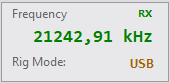
Tune your radio — the SDR follows
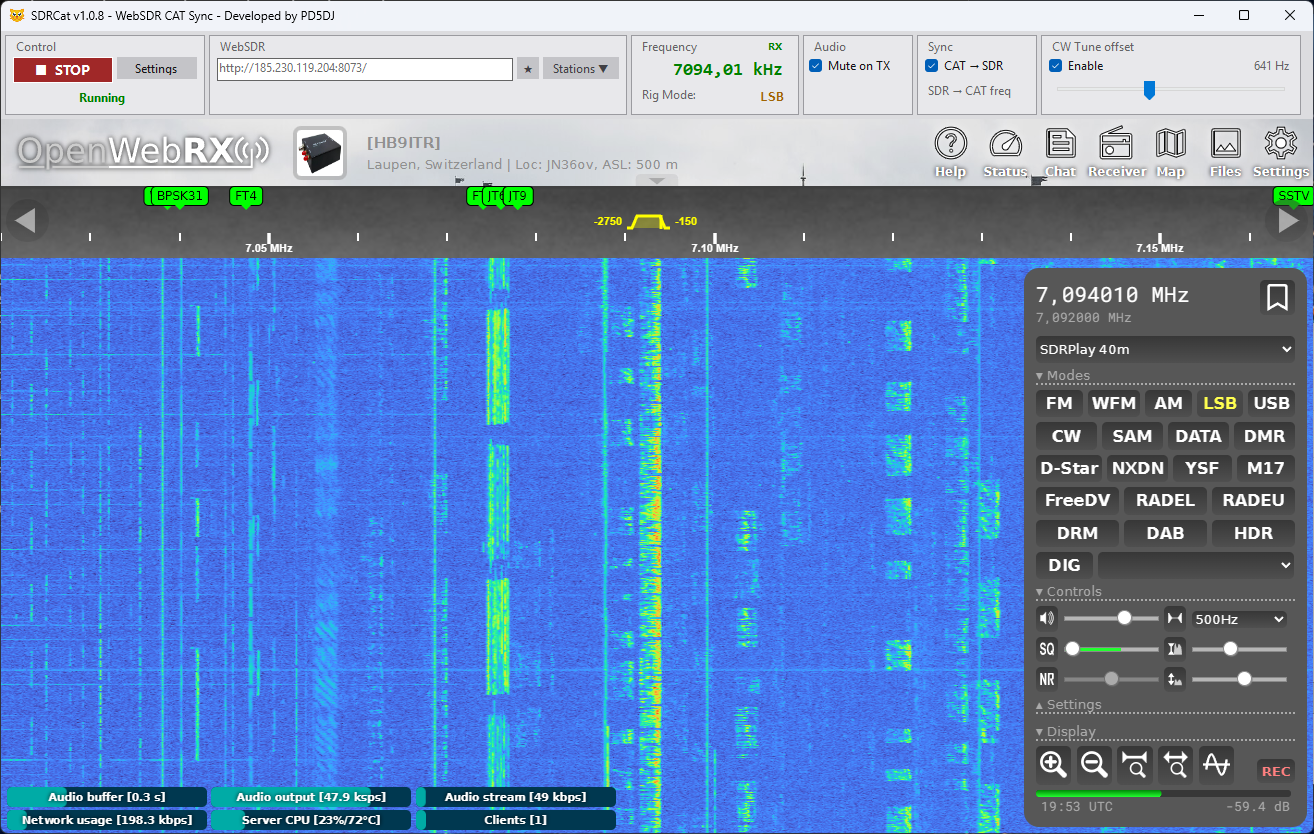
Turn the VFO dial and the waterfall moves with it. Change band, change mode — everything updates automatically. Works with WebSDR, OpenWebRX+ and KiwiSDR. The SDR always shows exactly what your antenna hears, right now.
automatic
real-time
WebSDR · OpenWebRX+ · KiwiSDR
↩️
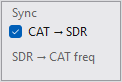
Click a signal — freq & mode to the radio
Spot an interesting signal in the waterfall? Click it and your transceiver jumps straight to that frequency. With OpenWebRX+ and KiwiSDR, the mode (USB, LSB, AM, FM, CW…) is also sent to the radio automatically. Two-way sync, whichever side you tune from.
two-way sync
freq + mode
OpenWebRX+ · KiwiSDR
🗺️
Four built-in station browsers
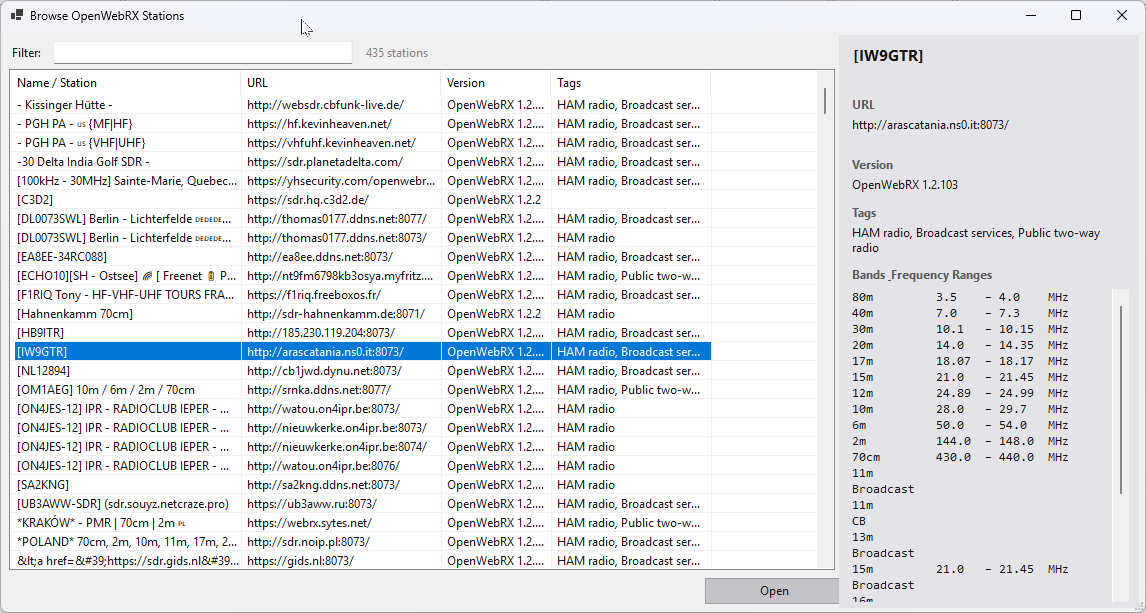
The Stations ▼ menu gives you four ways to find a receiver:
- Browse WebSDR.org Stations — 50+ live stations from websdr.org with listener counts
- Browse WebSDR stations — WebSDR receivers from receiverbook.de, sortable by band
- Browse OpenWebRX stations — OpenWebRX+ receivers from receiverbook.de
- Browse KiwiSDR stations — KiwiSDR receivers from receiverbook.de
Click any station to open a detail panel with name, URL, version, tags and full frequency coverage by band. Open any station in SDRCat with a single click. Your recently visited URLs and saved favourites are always one click away at the top of the menu.
500+ stations
searchable
band detail panel
favourites
🔊
Hear the SDR on any audio device
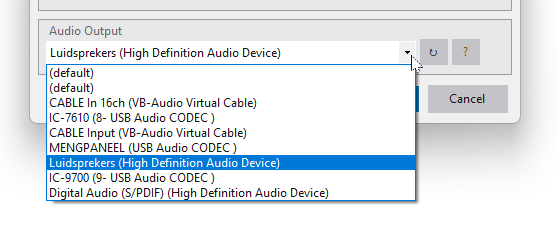
Choose where the SDR audio comes out — your speakers, headphones, or a virtual audio cable such as VB-Audio or VAC. This lets you pipe the SDR signal directly into a decoder like WSJT-X, fldigi, or JS8Call without any physical loopback cable.
Decoding FT8, FT4, or WSPR from a WebSDR, OpenWebRX+ or KiwiSDR receiver has never been easier. When you stop SDRCat, your original audio output is automatically restored.
speakers / headphones
VB-Audio / VAC
WSJT-X / fldigi
🔇
Audio mutes when you transmit
Use the SDR as your receiver and your own radio as the transmitter — just like a real transceiver. Enable Mute on TX and the SDR audio silences itself the moment you key up, exactly the way a radio mutes its own RX during transmission. Release PTT and you're back instantly. No feedback, no echo, no manual switching.
RX via SDR
TX via your radio
automatic
🎚️
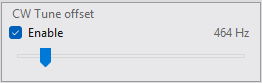
CW tune offset
In CW mode a slider shifts the SDR a few hundred Hz so the waterfall cursor lands on the exact audio tone you're using. Adjust it while operating and the display updates live. The offset is automatically reversed when you click a signal, so the radio always lands on the right frequency.
CW / CWR
400–1000 Hz
📻
Works with any CAT-capable radio
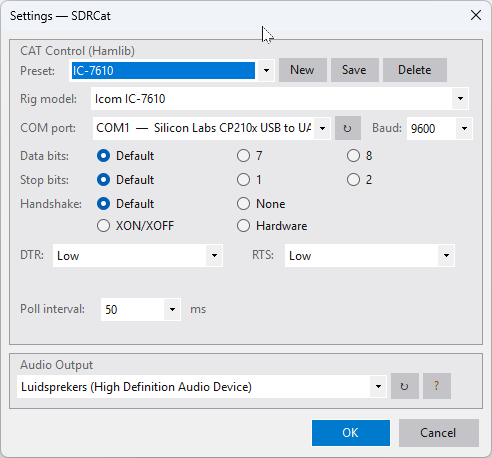
Icom, Yaesu, Kenwood, Elecraft — if it has a CAT port, SDRCat can control it. Connect directly via serial/USB or through HamlibServer over the network. You can run WSJT-X and SDRCat on the same radio at the same time, no conflicts.
Hamlib
serial / network
multi-app
💾
Presets for every setup
Save your complete configuration — radio connection, poll speed, and audio device — as a named preset. Switch between setups in a single click. Everything is remembered automatically between sessions, so SDRCat is ready to go the moment you open it.
named presets
auto-save